
cPanel is where you configure the various features of your web hosting. Your cPanel login details are contained within your welcome email.
cPanel can be accessed directly (via cPanel username and password), or via a single-click button in your Epic Client Area - details for both routes are contained in this article.
We have a separate article on changing your cPanel password and finding your cPanel username.
You will need to direct any queries about access to your cPanel, email account or any other facets of your service to your reseller.
Accessing cPanel via your Krystal client area
Start by logging in to your Epic Client Area - link opens in a new window.
- Click My Services or select Services > My Services from the menu.

2. Click Active to Manage Product to select the correct package.

3. Then click the Login to cPanel button.

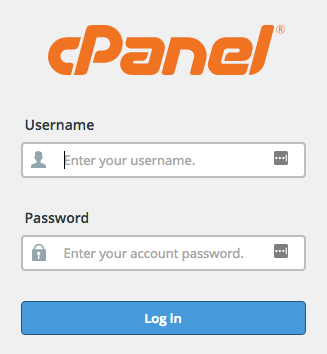
Accessing cPanel directly
If you've purchased your domain and hosting together from Epic then your cPanel can usually be accessed via https:your-domain/cpanel e.g. if your domain is example.co.uk then you'll use https://example.co.uk/cpanel
https://serverhostname/cpanelYour home server name is given in your welcome email you received when you joined Epic or we have an article on finding out your home server name.